Introduction
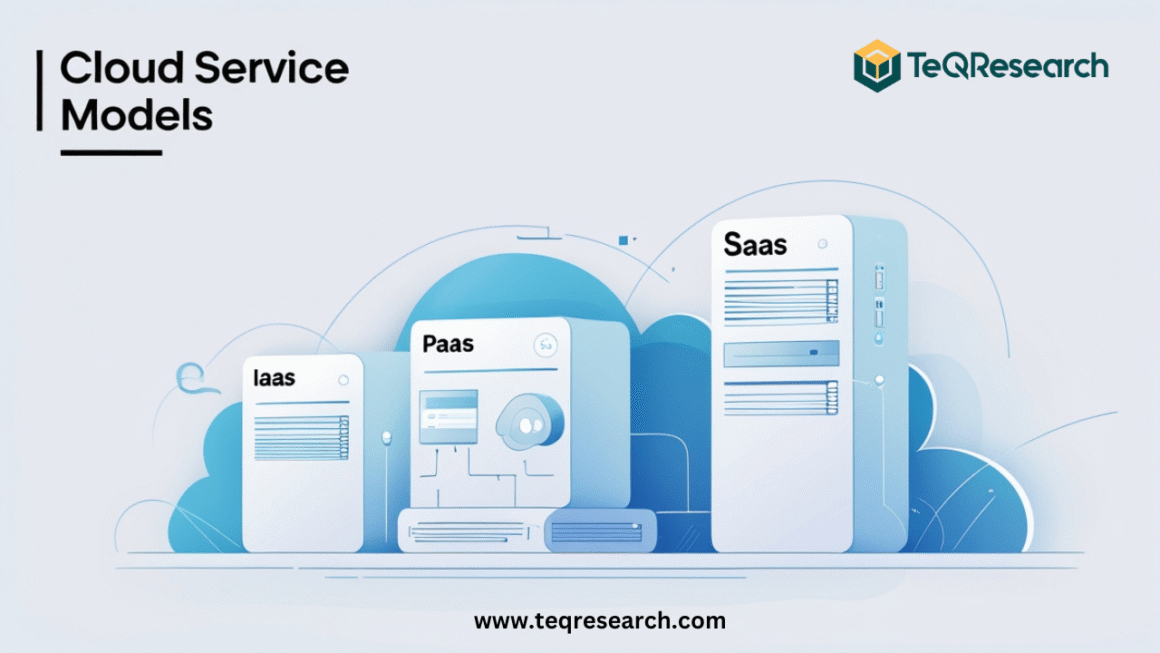
The cloud has revolutionized the way individuals and businesses use technology. Instead of relying on local servers, heavy hardware, or complex software installations, organizations can now access powerful computing resources on demand. This transformation is possible through cloud service models—specifically, Infrastructure as a Service (IaaS), Platform as a Service (PaaS), and Software as a Service (SaaS). Each of these models serves different purposes, caters to different users, and delivers unique benefits. Whether you’re a startup, enterprise, or individual user, understanding these models is essential for making informed decisions about cloud adoption. In this blog, we’ll explore the differences, advantages, disadvantages, and real-world applications of IaaS, PaaS, and SaaS.
What are Cloud Service Models?
Cloud service models define how cloud computing resources are delivered to users. Instead of managing everything from hardware to software yourself, you can choose a service model where certain responsibilities are handled by the cloud provider.
- IaaS: You rent infrastructure—servers, networking, and storage—while you manage operating systems and applications.
- PaaS: You rent both infrastructure and platform—tools, frameworks, and runtime environments—so you only focus on building applications.
- SaaS: You use ready-to-go applications delivered via the internet without worrying about infrastructure or platform management.
Think of it as layers:
- IaaS = Foundation (hardware and networking)
- PaaS = Development platform (tools to build apps)
- SaaS = End-user applications (software ready to use)
Infrastructure as a Service (IaaS)
IaaS provides the fundamental building blocks of cloud computing: virtualized computing resources over the internet. With IaaS, you rent servers, storage, networking, and data center facilities from a provider. This is the most flexible model, allowing businesses to scale infrastructure up or down as needed, paying only for what they use.
Key Features of IaaS
- Virtual Machines (VMs) on demand
- Scalable storage and networking
- Load balancing and disaster recovery
- Pay-as-you-go pricing model
- Complete user control over operating systems and applications
Examples of IaaS Providers
- Amazon Web Services (AWS EC2)
- Microsoft Azure Virtual Machines
- Google Compute Engine (GCE)
- IBM Cloud Infrastructure
- DigitalOcean
Advantages of IaaS
- No need to purchase expensive hardware
- High scalability and flexibility
- Global accessibility of infrastructure
- Disaster recovery and backup included
- Pay only for resources consumed
Disadvantages of IaaS
- Requires technical expertise to manage OS, middleware, and apps
- Security management is partially the customer’s responsibility
- Costs can grow with large-scale use if not monitored properly
Use Cases of IaaS
- Website Hosting – Host scalable websites with minimal infrastructure investment.
- Big Data Analytics – Run complex computations without owning supercomputers.
- Testing and Development – Developers can quickly create test environments.
- Disaster Recovery – Ensure business continuity with backup servers.
- Enterprise IT Infrastructure – Replace or extend physical data centers.
Platform as a Service (PaaS)
PaaS offers both infrastructure and a ready-to-use development platform. It includes servers, storage, databases, development tools, middleware, and frameworks. Developers only focus on writing code and deploying applications while the platform provider handles infrastructure management.
Key Features of PaaS
- Pre-configured development environments
- Built-in database management systems
- Application hosting with scalability
- Integration with DevOps tools
- Automatic updates and maintenance
- APIs and middleware for seamless connectivity
Examples of PaaS Providers
- Google App Engine
- Microsoft Azure App Services
- Heroku
- Red Hat OpenShift
- AWS Elastic Beanstalk
Advantages of PaaS
- Faster development and deployment of apps
- Eliminates complexity of managing infrastructure
- Cost-effective for small and large teams
- Supports collaborative development
- Provides built-in scalability
Disadvantages of PaaS
- Limited control compared to IaaS
- Vendor lock-in (difficult to migrate applications across platforms)
- Security concerns over provider-managed data
- Customization restrictions in some platforms
Use Cases of PaaS
- Application Development – Build web, mobile, or enterprise apps without worrying about hardware.
- API Development and Management – Create and manage APIs for external integrations.
- IoT Applications – PaaS platforms support IoT solutions with analytics and real-time data processing.
- Business Intelligence (BI) and Analytics – Run predictive models and dashboards.
- Collaborative Projects – Multiple developers work on the same app seamlessly.
Software as a Service (SaaS)
SaaS delivers software applications via the internet on a subscription basis. Users access applications through a web browser, eliminating the need for installations, updates, or complex IT management. This is the most widely used model, as it provides instant access to ready-to-use applications.
Key Features of SaaS
- Web-based delivery accessible from any device
- Subscription or freemium pricing models
- Centralized automatic updates and maintenance
- High availability and scalability
- Multi-tenant architecture (one application serving multiple users)
Examples of SaaS Providers
- Google Workspace (Docs, Sheets, Gmail)
- Microsoft Office 365
- Salesforce CRM
- Zoom
- Dropbox
- Slack
Advantages of SaaS
- No installation or maintenance required
- Accessible from anywhere with an internet connection
- Lower upfront costs with flexible subscriptions
- Automatic updates and patches
- Easy scalability and integration with other SaaS apps
Disadvantages of SaaS
- Limited customization compared to in-house software
- Dependence on internet connectivity
- Data security and privacy concerns
- Subscription costs may add up long-term
Use Cases of SaaS
- Collaboration Tools – Slack, Microsoft Teams, Zoom for communication.
- Customer Relationship Management (CRM) – Salesforce for managing customer data.
- Enterprise Resource Planning (ERP) – Oracle NetSuite for managing business processes.
- File Storage and Sharing – Google Drive, Dropbox.
- Productivity Tools – Google Docs, Sheets, and MS Office 365.
IaaS vs PaaS vs SaaS: Key Differences
| Feature | IaaS | PaaS | SaaS |
| Users | IT Admins, System Architects | Developers, Data Scientists | End Users, Businesses |
| Control | High (OS, Apps, Middleware) | Medium (Apps only) | Low (Just use the app) |
| Cost | Pay per resource | Pay per usage/development | Subscription model |
| Scalability | Very high | High | High |
| Examples | AWS EC2, Google Compute Engine | Google App Engine, Heroku | Gmail, Salesforce, Dropbox |
| Best For | Customizable infrastructure | Application development | Ready-to-use apps |
Real-World Examples
- Netflix – Uses IaaS (AWS) to stream content globally with high scalability.
- Spotify – Uses PaaS for music recommendations and app development.
- Zoom – A SaaS tool for video conferencing accessible worldwide.
- NASA – Uses IaaS to store and process vast amounts of space data.
- Airbnb – Uses cloud services to manage user data and scalability during peak travel seasons.
Choosing the Right Cloud Service Model
The choice between IaaS, PaaS, and SaaS depends on your business needs, technical expertise, and budget:
- Choose IaaS if you want maximum control over infrastructure. Ideal for enterprises with IT teams managing servers and networks.
- Choose PaaS if you are focused on rapid application development without handling backend infrastructure. Perfect for startups and developers.
- Choose SaaS if you just need ready-to-use applications for productivity, collaboration, or business processes. Best for end-users and small businesses.
The Future of Cloud Service Models
Cloud computing is evolving rapidly, and so are the service models. Some key trends include:
- Serverless Computing (FaaS) – Developers write code that runs only when triggered, without managing servers.
- AI and ML Integration – PaaS and SaaS providers are embedding AI for smarter analytics and automation.
- Multi-Cloud Strategies – Businesses are adopting multiple providers (AWS, Azure, GCP) to avoid vendor lock-in.
- Edge Computing – Extending cloud closer to devices for faster processing, especially in IoT.
- Vertical SaaS – Industry-specific SaaS applications (e.g., healthcare SaaS, retail SaaS).
Conclusion
Cloud service models—IaaS, PaaS, and SaaS—represent different layers of cloud computing adoption. From infrastructure management to application delivery, each model serves unique purposes.
- IaaS provides raw infrastructure for maximum flexibility.
- PaaS simplifies app development with pre-built platforms.
- SaaS delivers ready-to-use apps for end-users.
For businesses and individuals alike, the cloud offers unmatched scalability, cost savings, and accessibility. By understanding the strengths and weaknesses of each service model, organizations can choose the right strategy to drive innovation and growth. The future will see these models blending with AI, serverless, and edge computing, unlocking even more possibilities for digital transformation.
FAQs
What are IaaS, PaaS, and SaaS in cloud computing?
- IaaS (Infrastructure as a Service): Provides virtualized computing resources like servers, storage, and networking.
- PaaS (Platform as a Service): Offers a development platform with tools, runtime, and databases so developers can focus on building applications.
- SaaS (Software as a Service): Delivers ready-to-use applications over the internet, such as Gmail, Zoom, or Salesforce.
What is the main difference between IaaS, PaaS, and SaaS?
The main difference is the level of control:
- With IaaS, users control operating systems and applications.
- With PaaS, users only manage the applications they build.
- With SaaS, everything is managed by the provider, and users just access the software.
Which cloud service model should my business choose?
- Choose IaaS if you need full control over infrastructure for custom IT solutions.
- Choose PaaS if you want to build and deploy apps quickly without worrying about backend systems.
- Choose SaaS if you need ready-to-use software for productivity, collaboration, or business operations.
Can I use IaaS, PaaS, and SaaS together?
Yes. Many businesses use a combination of all three models. For example, you might use IaaS for hosting servers, PaaS for app development, and SaaS for collaboration tools like email or video conferencing.
What are some popular examples of IaaS, PaaS, and SaaS?
SaaS: Google Workspace, Microsoft Office 365, Salesforce, Zoom.
IaaS: AWS EC2, Microsoft Azure Virtual Machines, Google Compute Engine.
PaaS: Google App Engine, Heroku, AWS Elastic Beanstalk.